




Welcome Suica Mobile App: Complete Setup Guide for Tourists Visiting Japan

Japan’s transportation network is famously precise, layered with local lines, regional operators, and fare systems designed to keep millions of daily riders moving smoothly. If it’s your first time in Japan, passes like Suica, Pasmo, or other IC cards may seem optional at first—but their value becomes obvious the moment train travel becomes part of your daily routine.
Navigating ticket machines, calculating fares by distance, and juggling cash can drain both time and energy, especially in major cities where trains are the fastest way to get around. IC cards streamline nearly every step of the process, allowing you to tap through gates and transfer lines smoothly without stopping to buy a ticket each time.
For short-term visitors who want to land in Japan and start moving immediately, Welcome Suica Mobile is currently the most tourist-friendly IC option available: let’s see why you should use it and how.
What is Welcome Suica Mobile?
Welcome Suica Mobile is a digital IC card created specifically to help visitors using Japan’s public transportation system. Everything—from setup to daily use—is designed around short-term travel rather than long-term residency.
The New IC Card App for Tourists
Released in March 2025, Welcome Suica Mobile is a brand-new smartphone app developed by JR East for inbound travelers. The app eliminates the need to search for physical cards at airports or stations, offering a fully digital alternative that works the moment it is set up.
An English-first interface guides users through onboarding without requiring Japanese language skills or familiarity with local transit systems. The 180-day validity period aligns neatly with typical tourist stays, avoiding the long-term assumptions built into resident-focused IC cards.
Why Welcome Suica Mobile is Ideal for Foreign Travelers
Support for foreign-issued credit and debit cards removes one of the biggest barriers faced by visitors. A Japanese bank account is not required, and the usual 500-yen deposit charged for physical Suica cards does not apply.
Balance management, top-ups, and usage history are all housed in a single app, keeping travel logistics centralized. For travelers who want a predictable setup and minimal administrative overhead, the structure is refreshingly straightforward.
Key Differences Between Welcome Suica Mobile and Apple Wallet Mobile Suica
Welcome Suica Mobile is built around the realities of short-term travel, and management happens entirely within the dedicated app rather than through system-level wallet settings. Apple Wallet Mobile Suica, by contrast, is optimized for residents: it has no expiration date. Long-term commuters benefit most from its deeper integration into everyday life in Japan.
In a nutshell, short-term tourists are best served by Welcome Suica Mobile, while long-term travelers and residents will find Apple Wallet Suica more suitable.
How to Set Up Welcome Suica Mobile (Step-by-Step Guide)
Setting up Welcome Suica Mobile is straightforward, but preparation matters. A stable connection and the right device can make the difference between finishing setup in minutes and troubleshooting at the airport.
Before You Install the App: What You Need
Welcome Suica Mobile works only on Apple devices that support modern NFC standards. Compatible devices include an iPhone 8 or newer running iOS 16 or later, as well as an Apple Watch Series 3 or later. Android devices are not supported as of 2025.
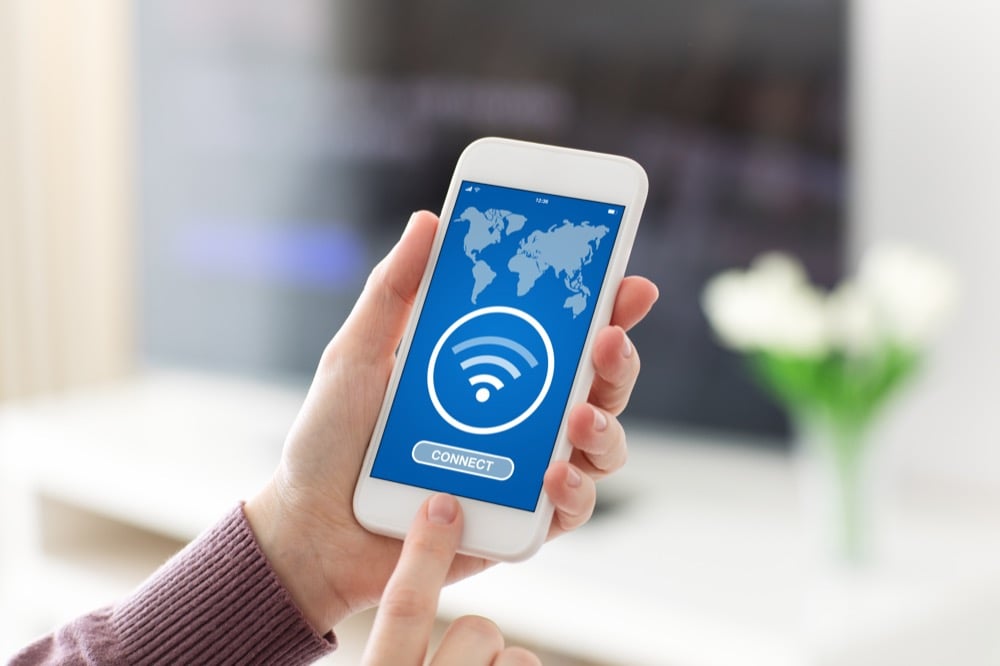
A few essentials are required before installation begins. An international credit or debit card must be available for Apple Pay, and location services need to be enabled for the app to function correctly. Stable Wi-Fi or mobile data is also needed throughout the process, as public Wi-Fi networks often struggle under heavy load (especially at busy airports). A private connection is far more dependable when installing the app.
Downloading the Welcome Suica Mobile App
Open the App Store and search for “Welcome Suica.” Verify that JR East publishes the app to avoid unofficial listings or similarly named apps.
Download time varies widely depending on connection quality. Again, airport free Wi-Fi can be slow or unstable, particularly during peak arrival hours, so private Wi-Fi or mobile data is strongly recommended for a smooth download.
Initial Setup Process
Launch the app after installation is complete, then accept the terms of use. Location services must be enabled when prompted, as the app cannot operate without them.
Next, select an initial balance between 1,000 yen and 10,000 yen, then confirm payment using Apple Pay. Once payment is approved, the digital IC card is issued immediately and ready for use.
The entire setup process requires continuous internet access from start to finish. Dropped connections or network interruptions can cause setup failures, often requiring the process to be restarted from the beginning.
Using Welcome Suica Mobile in Japan
Using a Welcome Suica Mobile in Japan mirrors the experience of a physical IC card, with a few digital-specific considerations.
Charging Your Welcome Suica Mobile
Balance top-ups are conducted directly inside the app: select the desired amount, then confirm the charge through Apple Pay to complete the transaction.
An active internet connection is required for every recharge, so offline top-ups are not possible. The maximum stored balance is 20,000 yen, and cash charging at stations or convenience stores is not supported. Planned system maintenance runs daily from 2:00 to 4:00 AM Japan Standard Time, during which recharging may be unavailable.
Riding Trains and Buses
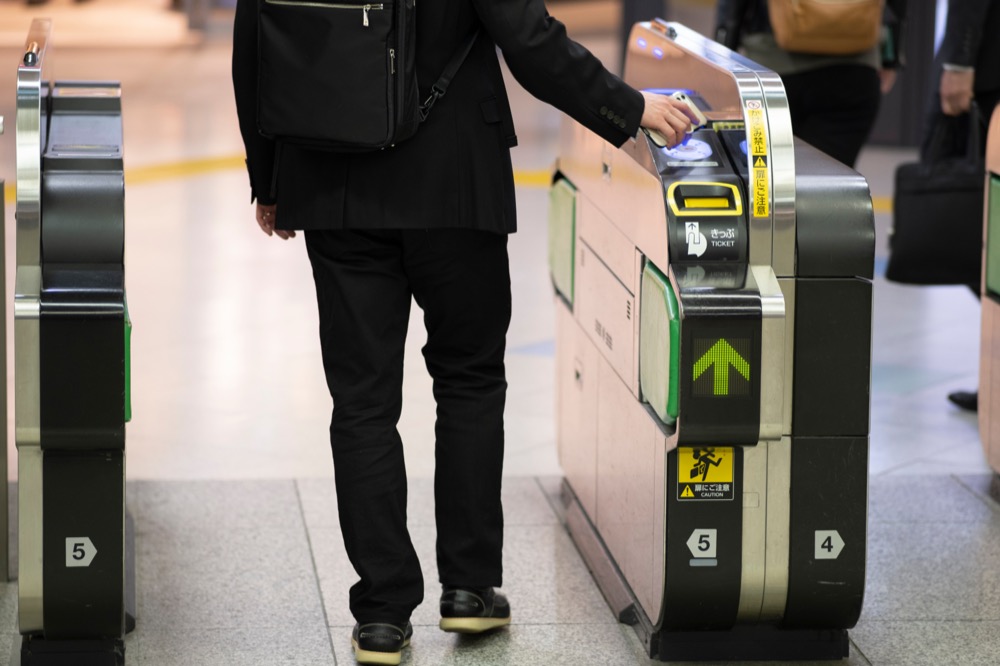
Entering and exiting stations requires only a quick tap of an iPhone or Apple Watch at the ticket gates. Express Transit lets you pay without opening the app or authenticating, keeping transfers fast even during rush hour. Low-power mode still permits transit use, provided the device has some remaining battery.
Paying at Stores and Vending Machines
At checkout, simply say “Suica” to indicate the payment method, then tap the device on the reader. Welcome Suica Mobile works at convenience stores, vending machines, and many participating restaurants and retail shops.
From the cashier’s perspective, the transaction is identical to a physical IC card. Payment speed and acceptance remain the same, with the only difference being the absence of a plastic card.
Key Considerations When Using Welcome Suica Mobile

As convenient as the app is, a few practical limitations are worth understanding in advance.
Riding Rural Trains
Suica is not universally accepted on rural train lines, even when stations appear modern or have ticket gates. Some rural stations allow IC card entry but do not support IC processing at the destination, leaving riders unable to tap out.
Reaching an exit gate without IC support often requires assistance from station staff to settle the fare manually. Local commuters usually know which lines are “IC-incomplete,” while visitors rarely receive warnings, making rural travel the most common scenario for unexpected issues.
Battery Considerations
With Express Transit enabled, Welcome Suica Mobile remains usable even in low-power mode. However, once the battery is fully depleted, payments and gate access stop working entirely. Long travel days, heavy navigation use, and photography can drain power quickly, so external battery packs are a practical precaution.
Reliable Wi-Fi Matters
A dependable internet connection plays a larger role than many travelers expect. App installation, initial setup, and balance recharging all require an internet connection. Route planning and schedule checks, especially in rural areas, also depend heavily on real-time data.
Free public Wi-Fi in Japan exists but remains limited and inconsistent, particularly outside major cities. Ultimately, it is neither secure nor guaranteed. A private connection, on the other hand, will certainly make your trip easier: you won’t have to worry about how to recharge your Welcome Suica Mobile, translate signs, or search for a nearby train station.
Several connectivity options are available, each with its own trade-offs:
- International roaming offers convenience but often comes with high daily fees and speed limits.
- eSIM plans are quick to activate, but they are not compatible with older devices.
- Physical SIM cards offer stable performance but require hardware swaps.
- Pocket Wi-Fi remains a flexible solution for groups or travelers carrying multiple devices, but it adds one more item to charge and carry.
Conclusion
Welcome Suica Mobile stands out as the most tourist-friendly IC solution available, designed for short-term travel rather than long-term residency. For visitors relying on Apple devices who want a fast, predictable way to move through Japan, it removes many of the traditional barriers associated with transit passes.
The app is particularly well-suited to travelers who prefer managing everything from their phone and would rather avoid physical cards, deposits, and ticket machines. A single digital setup replaces multiple steps that once required local knowledge or in-person assistance.
Reliable internet access, however, is not optional—it is essential. Preparing connectivity in advance allows for smooth setup immediately after arrival, hassle-free balance charging, and confident navigation across cities and regions. Plan your connectivity before landing so your Welcome Suica Mobile works the moment you step into Japan, and your trip starts in simplicity.