




eSIM, SIM, or Pocket WiFi? How to Stay Connected While Traveling in Japan

Japan is one of the world’s most connected countries—yet for international travelers, obtaining reliable internet access can be a challenge. With limited public WiFi and language barriers at setup counters, planning your mobile connectivity in advance is essential.
Travelers today have three primary options for staying online in Japan: eSIMs, physical SIM cards, and pocket WiFi devices. Each has pros and cons, from pricing and coverage to ease of use and data limits.
The right choice often depends on factors such as your phone’s compatibility, the number of people you're traveling with, and whether you prioritize convenience or unlimited data.
This guide explains everything you need to know about choosing between an eSIM, SIM, or pocket WiFi. With clear comparisons and traveler-specific advice, you can decide confidently and stay connected from the moment you land.
Japan Pocket WiFi or eSIM? Know Your Internet Options First
Before deciding whether a pocket WiFi or eSIM is right for your trip to Japan, it is essential to understand all the connectivity options available to travelers.
While some visitors may assume free WiFi or international roaming will be sufficient, these solutions often have limitations.
Taking the time to compare your choices can save both money and frustration once you’re on the ground.
Free WiFi in Japan: Convenient but Unreliable
While free WiFi is available in public places such as trains, cafés, and hotels, coverage is often inconsistent.
Access points may be difficult to locate, and connections are frequently slow or unstable.
Some free WiFi networks require a Japanese phone number to register, creating an additional barrier for international visitors; they sometimes also require knowledge of the Japanese language.
Due to these factors, relying on public WiFi is not recommended for essential services such as maps, messaging, or translation apps, especially when navigating unfamiliar areas.
International Roaming: Easy, But Expensive
Activating international roaming through your local carrier may seem simple, but it often comes at a high cost. Daily rates typically start around 10 dollars per day, and data allowances may be limited. In some cases, roaming speeds are throttled or restricted, resulting in slower load times and reduced app functionality.
Roaming is rarely a cost-effective or practical choice for longer trips or data-heavy activities.
SIM Cards, eSIMs, and Pocket WiFi Explained
SIM cards are physical chips inserted into your phone. They offer stable connectivity but require an unlocked device and manual installation. Not all travelers are comfortable handling SIM swaps, especially mid-trip.
eSIMs are a digital alternative to physical SIM cards, offering a more streamlined setup with no need to insert anything physically. However, not all smartphones support eSIM technology, and compatibility must be confirmed in advance.
Pocket WiFi devices are portable routers that allow multiple users to connect simultaneously. Pocket WiFi provides a reliable connection with generous or unlimited data plans, making it ideal for groups or travelers who frequently use multiple devices. Services like NINJA WiFi offer nationwide coverage—including rural and remote regions—making it a dependable choice for travelers seeking stress-free access to maps, messaging apps, and social media throughout Japan.
eSIM , SIM, or Pocket WiFi Japan: Pros, Cons, and Cost Breakdown
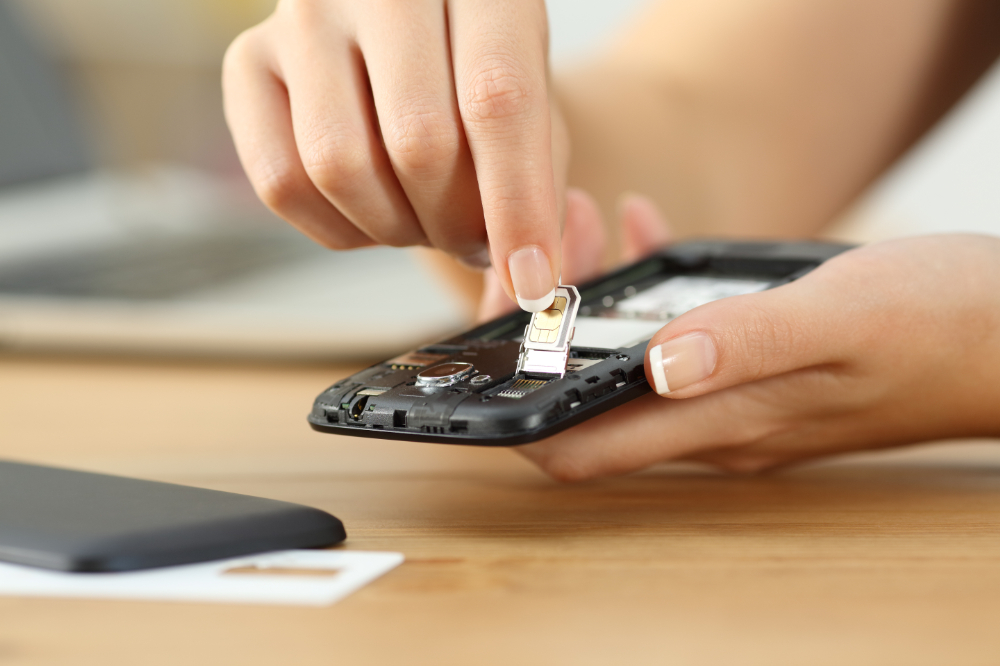
Below is a detailed comparison to help you choose the best internet option for your trip to Japan. Whether traveling solo or in a group, understanding how each option works—and the associated costs—can save you time and money.
Setup and Ease of Use
- ●eSIM: If your phone supports it, an eSIM is often the most streamlined option. Many providers allow you to purchase and activate your eSIM online before your flight. You're typically online in minutes after scanning a QR code or entering activation details.
There’s no need to swap out SIM cards or visit a store, which is particularly convenient for iPhones (iPhone XS and newer) and Google Pixel devices. However, travelers unfamiliar with mobile settings might need a brief tutorial to complete the setup. - ●SIM: A physical SIM card is a familiar option, but the setup process can vary. First, you must remove your existing SIM card and insert the Japanese SIM (unless your phone supports dual SIMs).
Then, you may need to configure your phone’s APN settings manually. Not all airports or kiosks provide clear instructions in English, so it helps to prepare in advance. While not difficult, it’s not always intuitive, especially for first-time travelers. - ●Pocket WiFi: Arguably the easiest to set up, pocket WiFi requires no changes to your phone. Simply turn on the device and connect via WiFi, like at home or in a café.
There’s no need to worry about SIM slots, APN settings, or unlocking your phone. NINJA WiFi routers come preconfigured—just power them on and connect—and are therefore especially useful for travelers who want a plug-and-play solution upon arrival.
Compatibility
- ●eSIM: Compatibility is the most critical factor with eSIMs. Your smartphone must support eSIM technology and be fully unlocked. Many flagship models from Apple, Google, and Samsung support eSIMs, but older or budget models may not. Additionally, some phones purchased through carriers may have region locks, so verifying compatibility and unlocking status is essential before departure.
- ●SIM: A traditional SIM card will work in most modern smartphones, but your phone must be unlocked to use a SIM from a Japanese provider. Again, some prepaid or carrier-issued phones may be locked to their home network, rendering them incompatible without prior unlocking. Compatibility with 4G/LTE bands used in Japan is generally not an issue for international models.
- ●Pocket WiFi: There are no compatibility concerns with pocket WiFi. Any device connected to a wireless network—such as smartphones, tablets, laptops, or gaming consoles—will work without issue. Not worrying about compatibility makes pocket WiFi the most flexible option, particularly for groups or tech-heavy travelers.
Speed, Data, and Sharing Options
- ●eSIM and SIM: Most eSIM and SIM plans in Japan offer 4G LTE speeds and reliable coverage across major cities and transit hubs. However, usage is typically limited to one device—your phone.
You won’t be able to share your data connection unless you enable tethering (which may not be allowed or may reduce speeds, depending on the provider). eSIMs and SIM cards are ideal for solo travelers who only need smartphone data. - ●Pocket WiFi: Ideal for high-usage travelers, pocket WiFi devices support multiple simultaneous connections—often 5 to 10 devices.
You can stream videos, use maps, upload photos, and handle video calls without restrictions. NINJA WiFi routers, for example, offer 1GB to 10GB of data per day at high speed, with unlimited data at a reduced speed after reaching the cap.
Additionally, two fully unlimited plans are available—perfect for families, digital nomads, or friends traveling together.
Pricing: Which Option is Right for Your Budget ?
- ●eSIMs: eSIMs are cost-effective for solo travelers or short stays. Prices vary depending on the provider and data package, but NINJA WiFi’s plans start at 3,102 yen for 5GB/5 days, with offerings such as 6,204 yen for 20GB/15 days or even 13,156 yen for 50GB/31 days. There’s no need to rent or return equipment, and no risk of late return fees.
- ●SIM: Pricing is slightly higher than eSIMs in most cases, especially if you buy a SIM at the airport or from a kiosk. NINJA WiFi’s SIM plans start at 1GB/1 day for 7 days at 3,795 yen, with other options such as 20GB over 30 days for 5,049 yen or 20 days of the Infinite Unlimited Plan for 8,800 yen.
- ●Pocket WiFi: While more expensive up front, pocket WiFi offers the best value per person when shared. Daily rental rates range widely depending on your needs. For example, NINJA WiFi’s 5GB/day plan costs 1,100 yen daily, with unlimited slower-speed data after the cap.
A 5G Unlimited Plan is also available for heavy users, at the cost of 2,200 yen per day. Divided among 2–4 people, the daily rate per person is quite affordable. However, be mindful of return deadlines to avoid additional charges.
How to Find the Best Pocket WiFi or eSIM for Your Japan Trip

Choosing the right connectivity solution doesn’t end with selecting between eSIM and pocket WiFi—you also need to consider where and how to book. Availability, features, and service quality can vary significantly among providers.
What to Look for in a Japan eSIM or Pocket WiFi Provider
Look for providers that offer clear, step-by-step setup instructions in English, both online and with the device itself. Accessible, English-language customer support—via email, phone, or live chat—can make a significant difference if you encounter connectivity issues, need help activating your plan, or have questions during your trip.
Also, carefully review the data allowances and speed policies. If you plan to use data-intensive apps or share your connection with multiple devices, opt for a plan with either unlimited data or a high daily cap, along with clear terms on speed throttling once the limit is reached.
Prioritizing transparency and reliability will help you avoid unexpected slowdowns or extra charges.
Booking Tips: When and Where to Reserve
Making online reservations before arriving in Japan will save you time; additionally, they often offer the best rates and ensure availability, especially during peak travel seasons.
For pocket WiFi and SIM cards, NINJA WiFi offers pickup at 10 different airports across Japan, including Narita, Haneda, and Kansai International airports, as well as popular city hubs like Shinjuku in Tokyo.
Devices can be returned at a different location from where they were picked up—or even sent back via convenience stores—adding flexibility to your itinerary.
Conclusion
Choosing the right option for staying connected in Japan can make a significant difference in your travel experience.
Whether you prefer the simplicity of an eSIM or the flexibility of a pocket WiFi device, the key is to match your solution to your travel style, group size, and data needs.
Planning ensures a smoother trip and fewer surprises: explore NINJA WiFi for flexible plans, multiple pickup locations, and excellent support for international travelers. Book now and travel connected.