




How to Use the Mobile Suica App: Setup, Charging, and Use in Japan

Suica started as a simple prepaid card for getting through train gates in Tokyo. Over the years, it became something people use every day without thinking, with a simple tap for the trains, another tap at a vending machine, and even at the convenience store. Now the card itself no longer needs to be in your wallet; it can be used via the Mobile Suica app.
Instead of lining up to buy a Suica card, you can issue one digitally, add money, and manage it directly on your device. For many commuters in Japan, it has become the standard. Travelers are increasingly choosing it, especially when physical cards are difficult to find.
Setting up and recharging Mobile Suica requires a stable internet connection, especially during initial registration and top-ups. Having reliable data access, such as a pre-arranged pocket Wi-Fi device from NINJA WiFi, makes the setup process smoother immediately after arrival.
The following guide explains how Mobile Suica works, how to configure it correctly, and what to consider before relying on it throughout your time in Japan.
What is Suica? And Why Many People Now Choose the Mobile Version
JR East issues Suica as a rechargeable IC card. It functions as prepaid electronic money and works on most trains, subways, and buses across Japan. Small purchases at convenience stores, vending machines, and station shops are also supported.
Although Suica began in the Tokyo region, it operates interchangeably with other major IC cards nationwide. A card issued in Tokyo can be used in Osaka, Fukuoka, Sapporo, and most other major cities without issue.
Mobile Suica serves as the digital version of the physical card. Instead of purchasing plastic media from a ticket machine, users create and manage the card directly on their smartphone. Periodic pauses in physical card sales and the broader move toward contactless payments have increased adoption.
For compatible devices, Mobile Suica removes the need to line up at ticket counters or worry about misplacing a card. Because balance top-ups and transaction history are managed inside the app, users can add funds anytime without searching for a recharge machine or relying on public Wi-Fi to check routes and fares.
How Japan is Gradually Becoming Cashless
Japan has a long reputation for being cash-focused. That is still partly true, especially in rural areas, but daily life looks different now than it did even five years ago.
The shift has not been driven by heavy credit card use. Instead, it has grown through IC cards like Suica and QR code payments. Many people tap their phone or IC card for small purchases without thinking. Convenience stores, supermarkets, vending machines, and even pharmacies sometimes accept IC payments.
Restaurant systems have evolved as well. In many establishments, diners scan a QR code at the table, place orders through their phone, and complete payment digitally. Paper menus and printed bills are becoming less common in casual chains and independent cafés alike.
Rail travel reflects the same transition. Commuter passes are stored digitally, and Shinkansen tickets can be linked to an IC card account. Rather than juggling multiple paper tickets, passengers tap through automated gates and receive a small printed seat confirmation for reference.
Cash remains widely accepted across the country, particularly outside metropolitan areas. In large urban areas, however, everyday transactions increasingly rely on contactless systems. IC cards sit at the center of that shift, and Mobile Suica represents the natural progression of a payment method already embedded in daily life.
Suica vs PASMO vs ICOCA: Which IC Card Should You Use?
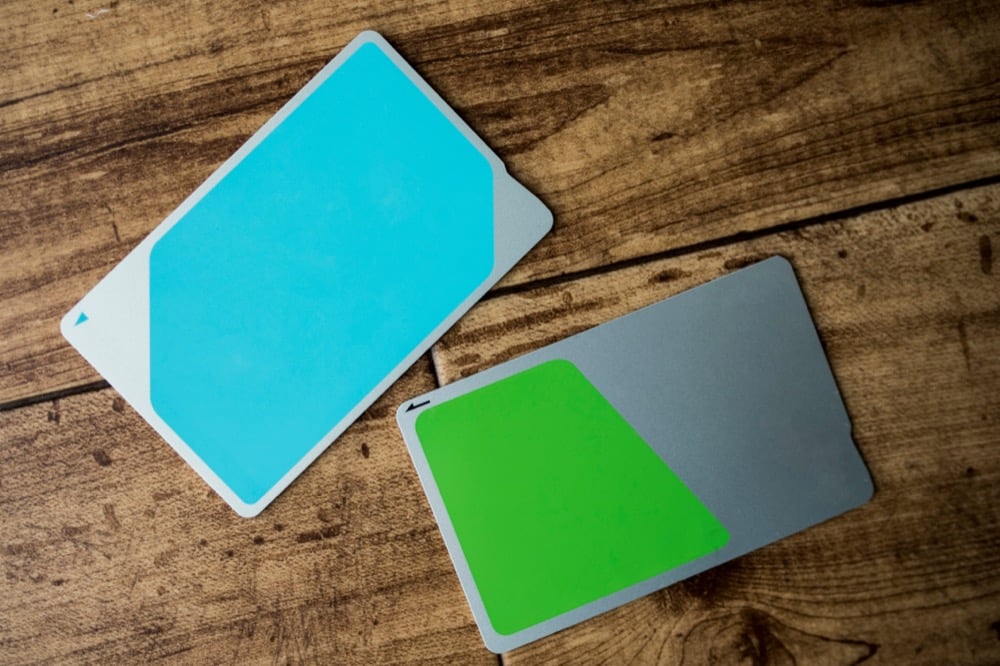
Japan has several major IC cards that are interchangeable. The differences are minimal and do not affect how they work, just where they were issued. Suica is issued by JR East and mainly used in Tokyo and eastern Japan. PASMO is issued by private railways in the Tokyo region as well. While JR West issues ICOCA, it is mainly used in the Kansai region.
All three work nationwide on most trains and buses. For visitors, Suica or PASMO is often the most useful, as both offer strong mobile integration, especially on iPhones. The decision rarely affects where you can ride.
What is Mobile Suica? Benefits and Things to Know About the App Version
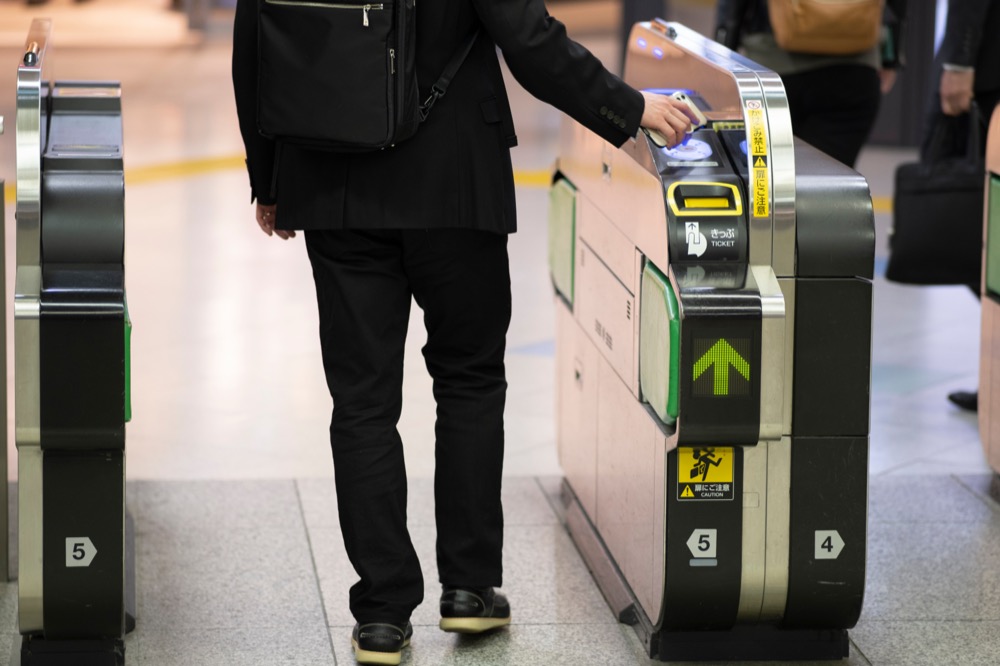
Mobile Suica stores your IC card directly in your phone’s wallet system. At the ticket gate or checkout counter, you simply hold your device over the reader, just as you would with a physical card.
As convenient as it sounds, there are a few points to keep in mind. Your device must be compatible, and adding funds through the app requires an internet connection. Battery life also matters. If your phone is out of power, your Suica will be inaccessible.
In the app, you can check your remaining balance and review recent transactions. Commuter passes and certain tickets can also be handled digitally, reducing the need to visit ticket machines.
How to Register and Issue a New Mobile Suica
The setup process between iPhone and Android slightly differs.
Setting Up Mobile Suica on iPhone and Apple Watch (Apple Pay)
An iPhone 8 or later, or a compatible Apple Watch, is required. You will need to enable Apple Pay if it has not already been enabled, and use a supported debit/credit card.
- Download the Mobile Suica app.
- Register a new Suica.
- Open the Wallet app.
- Tap the plus symbol.
- Select Transit Card.
- Choose Suica.
- Select a balance to charge and complete payment using Apple Pay.
Once added, Express Transit Mode can be enabled and allows you to pass through ticket gates without Face ID, Touch ID, or a passcode. The device just needs to be held near the reader.
Setting Up Mobile Suica on Android (Osaifu Keitai / Google Pay)
Osaifu Keitai (translated as phone wallet) must be supported on the Android device and must have access to Google Pay and a supported payment method.
- Download the Mobile Suica app.
- Register a new Suica.
- Add a payment method.
- Complete Google Pay setup if prompted.
Compatibility Warning for Android Users
Japan has a special app called Osaifu Keitai that works in conjunction with Google Pay. The issue for many travelers is that this is not available on many Android phones purchased outside of Japan, even if Google Pay is available.
Compatibility should be confirmed before relying on Mobile Suica, as without the hardware, the app cannot function for tap entry and payments.
How to Transfer Your Existing Suica Card to the App
If you already own a physical Suica, you can transfer it to your phone.
On iPhones:
- In the Wallet app, tap the plus symbol.
- Select Transit Card.
- Select Suica.
- Select the Transfer Existing Card.
- Follow the onscreen instructions.
- Confirm transfer.
The remaining balance moves to the mobile version, and the physical card becomes invalid after the migration.
With Osaifu Keitai-supported Android phones, you can transfer a physical card to the app through the Mobile Suica app, which is primarily in Japanese.
A Complete Guide to Charging Mobile Suica to Prevent Running Out of Balance
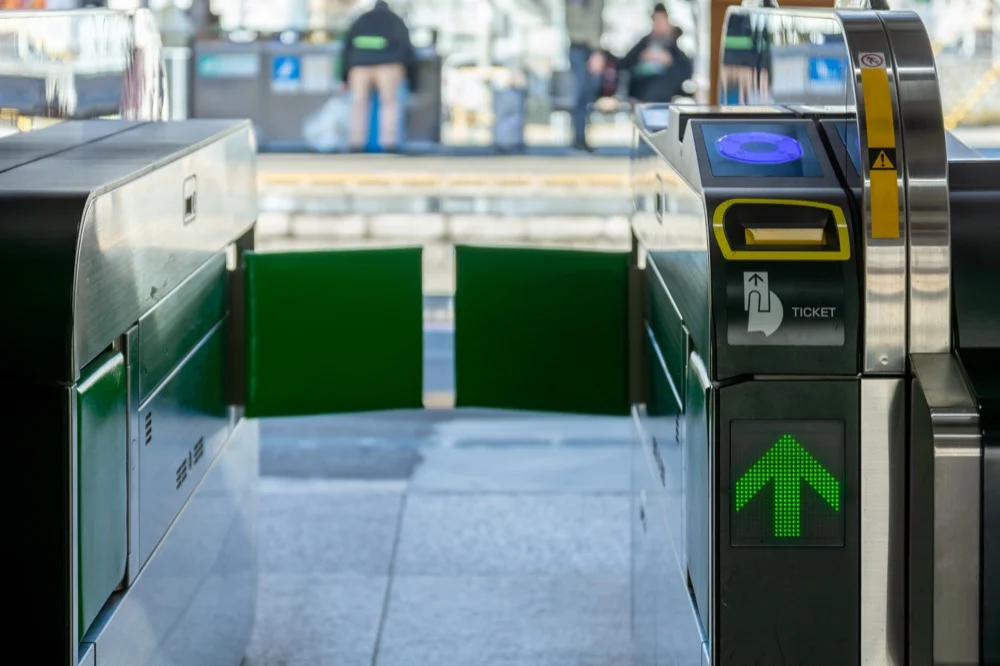
Knowing your charging options is essential to preventing a balance runout at ticket gates.
In-App Charging via Apple Pay / Google Pay (Internet Required)
An internet connection is required for this option, but it is most convenient as you can do it from anywhere with just your phone.
Open the Wallet or Suica app, select the amount you want to charge, and confirm payment.
How to Set Up a Credit Card and Auto-Charge
Auto charge allows the card to top up automatically when the balance drops below a preset threshold. This feature is commonly used by locals who regularly commute. The auto charge setting is available in the app after linking a credit card.
JCB, Mastercard, and American Express are generally reliable credit card companies. If your card does not work, using a debit card like Wise (an international bank account) is recommended.
How to Add Cash at Convenience Stores and Seven Bank ATMs
Seven Bank ATMs, commonly located inside 7 Eleven stores, allow cash top-ups for Suica. These machines usually offer an English menu, which makes the process easier for travelers.
Select the IC card charging option on the ATM screen, then place your phone on the reader and insert cash. Remove your phone only after confirming the amount and charging is complete.
Charging at Train Station Ticket Machines
Most major stations have ticket machines that support mobile IC charging.
To charge, place your phone on the designated reader, select charge, choose the amount, insert cash, and confirm. Be sure not to remove your device till charging is complete.
Where You Can and Cannot Use Suica
Understanding the limitations of the Suica can help prevent confusion and ensure you are well prepared for your trip to Japan.
Transportation: Trains and Buses
Suica works on most local trains, subways, and urban buses nationwide. It covers the majority of daily transport needs in major cities across Japan.
Some buses charge a flat fare regardless of distance. In those cases, you only tap when boarding. Others use a distance-based system that requires tapping both on and off. When using Mobile Suica, a fare notification will appear on your phone after payment is processed in flat fare situations.
Shopping: Convenience Stores, Vending Machines, Station Shops
IC payments are widely accepted at convenience stores, station kiosks, vending machines, and many chain retailers. For small purchases, it is often faster than cash.
Where Suica Cannot Be Used
Suica cannot be used on its own to purchase standard Shinkansen tickets. To ride the Shinkansen with Suica, you need to link it to a compatible reservation service such as Smart EX. During the booking process, enter your Suica card number and associate it with the ticket. On the day of travel, you tap your Suica at the Shinkansen gate, and a small paper slip is issued as you pass through. There is no need to collect a separate ticket in advance.
Most airport buses, highway buses, and some rural transport systems do not accept IC cards. In those cases, tickets must be purchased separately, either online, at a counter, or from a vending machine before boarding.
How to Use the “Welcome Suica Mobile” App for Visitors to Japan
“Welcome Suica” is an IC card for tourists, and is a simplified version of the standard Suica. The physical Welcome Suica card is valid for 28 days and does not require the 500 yen deposit required for a regular Suica. Functionally, it works the same way for trains, buses, and everyday payments. The key difference is that any remaining balance cannot be refunded upon expiration of the validity period.
The Welcome Suica Mobile version differs slightly. Issued through the app, it is valid for 180 days from the date of activation. Like the physical tourist card, there is no deposit, and unused balance cannot be refunded. The longer validity makes it more flexible for extended trips, but it is still intended for temporary stays rather than repeated trips.
Difference Between Mobile Suica and Welcome Suica
Mobile Suica has no fixed expiration period as long as it remains active. The balance can be refunded if necessary, and it is generally suited to residents, long-term visitors, or travelers who expect to return to Japan.
Welcome Suica: whether physical or mobile, is designed for short- to mid-term visitors. It removes the deposit requirement but comes with a set validity period and no refund option for the remaining balance. It can be a cheaper option for those staying only a few weeks or a few months. However, the standard Mobile Suica works out better for residents, long-term visitors, and travelers who expect to return to Japan.
Wi-Fi & Internet for Mobile Suica Setup and Charging
Initial setup and charging through the Mobile Suica app or Wallet requires a stable internet connection. Most travelers will not want to download and navigate the app after landing, especially while going through immigration, baggage claim, and train transfers.
Airport Wi-Fi can also be unreliable during peak arrival hours, so registration screens may time out, and payment authentication can fail on weak networks. Setting up the app before departure or ensuring you have reliable mobile data ready on arrival avoids unnecessary delays and stress. Once the app is installed, the card is registered and charged; tapping through ticket gates does not require an active internet connection.
For travelers who prefer a more reliable option than public Wi-Fi, arranging internet access in advance is often the simplest approach. Pocket Wi-Fi rentals, data SIM cards, and eSIM plans, such as those offered by Ninja WiFi, provide stable connectivity from the moment you land. Having working data immediately makes issuing the card, registering payment details, and charging the balance much smoother.
Troubleshooting: Device Changes, Errors, or Battery Loss
Mobile Suica relies on device functionality. Being aware of possible issues can help you prevent and overcome them efficiently.
What to Do If Your Phone Battery Dies or the Device is Lost
If the battery is fully depleted, access to Suica is temporarily unavailable. Make sure your device is fully charged before you leave, or at least carry a portable charger, especially on long sightseeing/travel days. If you do not have a portable charger and your battery is running low, consider renting mobile batteries from CHARGESPOT. You do need the app predownloaded, but these can be found at convenience stores, some train stations, Docomo and SoftBank phone stores, and more.
If you lose your device, log in to your account to suspend the card. A registered card can generally be restored on a new compatible device, allowing you to keep the balance.
Tips, Tricks, and Frequently Asked Questions
Charging in advance helps avoid delays during peak commuting hours. Ticket machines and convenience stores can be crowded in the morning and evening. Adding funds the night before is often more convenient.
Balance checks can be done inside the app or at station ticket machines. Many people quickly confirm their remaining balance while waiting on the platform, especially before longer transfers.
Can I Use Mobile Suica Outside of Tokyo?
Yes. Suica works on most major trains, subways, and buses nationwide, except in some rural areas.
Do I Need Internet Every Time I Tap Through a Gate?
No. The Internet is only required for setup and charging. Daily transit use does not require an active connection.
What Happens if My Phone Battery Dies?
You will not be able to tap once the device is fully off. Making sure that your device is fully charged and having a portable charger is highly recommended, especially for long outings.
Can I get a Refund for My Balance?
Standard Mobile Suica balances can be refunded, but Welcome Suica balances cannot.
Conclusion
Mobile Suica has gradually become the default way many people in Japan move through stations and pay for small purchases. Once set up properly, it eliminates the need to wait in line for ticket machines, carry coins, or keep track of a physical card.
That said, preparation matters. Device compatibility, account registration, and stable internet during setup all play a role in how smooth the experience will be. Charging in advance and understanding where Suica cannot be used helps avoid small but frustrating interruptions during travel. For short-term visitors, choosing between standard Mobile Suica and Welcome Suica depends largely on the length of stay and whether you plan to return to Japan.
Before departure, download the Mobile Suica app, confirm your device compatibility, and complete the initial registration steps. Having everything ready before you reach the station makes arrival far less stressful.
Reliable internet access also makes a difference. Ninja WiFi offers Pocket WiFi, SIM cards, or eSIM plans that provide stable connectivity from the moment you land. It allows you to complete setup and charging without depending on crowded airport networks. Preparing both your transportation and your data connection in advance ensures you can start using Mobile Suica immediately upon arrival.