
Prepare Before Your Flight
Choose your plan and install your eSIM before departure.

 【Official Website】



Buy your NINJA TRAVEL eSIM online before your trip. Choose a plan, complete your order, and receive setup information by email.
Buy a Japan eSIMBEFORE YOU FLY
Buying a NINJA TRAVEL eSIM before departure gives you time to check device compatibility, compare data plans, and receive the activation details before you actually need mobile data in Japan.
When you arrive in Japan, just complete the required network settings and your mobile data connection will be effortless.
Choose your plan and install your eSIM before departure.
Choose your plan and install your eSIM before departure.
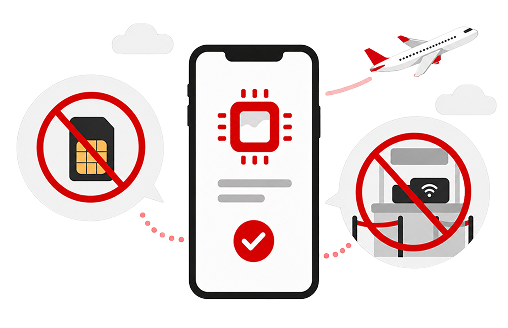
No physical SIM card or WiFi device to collect at the airport.
HOW TO BUY
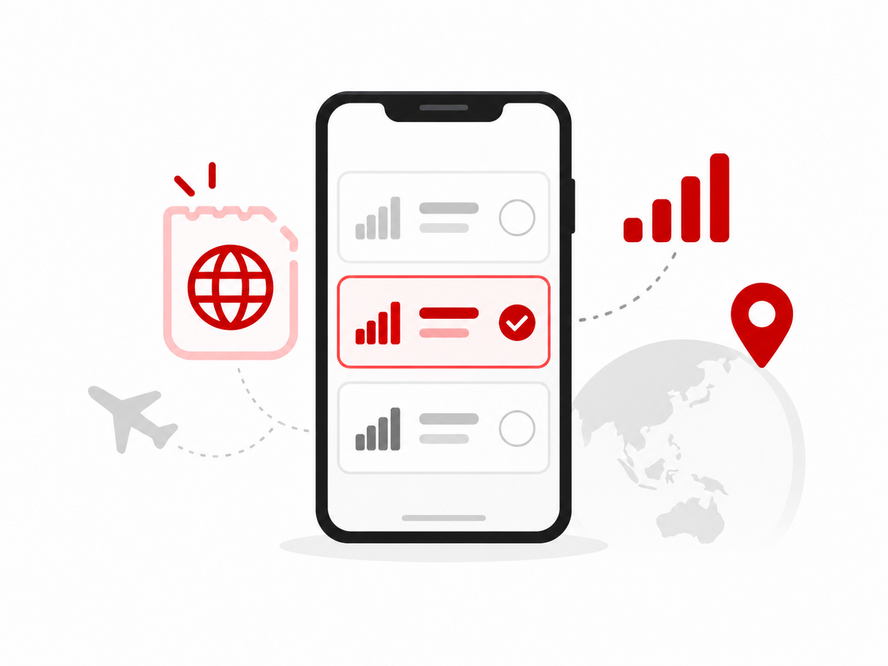
Start by choosing the data amount or unlimited plan that fits your trip. A light traveler may only need a smaller plan for maps and messages. A traveler using the connection for video calls, uploads, tethering, or remote work should choose more data.
If you are not sure which plan fits, review Japan eSIM Data Plans & Pricing before purchase.
Access the NINJA WiFi eSIM order page, enter the required information, and review the selected plan, usage date, number of devices, and total price before payment.
Instructions for issuing the activation QR code are sent to the email address registered with your order. Your dedicated QR code will be sent within 24 hours after the order is confirmed.
Keep the email accessible on another device or in a place you can open while setting up your phone.
After receiving the activation information, follow the instructions provided with your order. Keep the email accessible and use a stable internet connection during setup.
Before installing, make sure to confirm:
When you are ready to connect, select the NINJA WiFi eSIM for mobile data and complete the device-specific settings. iPhone and Android require different setup steps. On iPhone, turn on the connection and enable data roaming. On Android, APN settings are required.
Learn how to use an eSIM in JapanCOMPARE YOUR OPTIONS
READY TO GO?
Start with your trip style, then choose the closest data range.
Prepare these items before purchase:
GOOD TO KNOW
Do not buy before checking whether your phone is unlocked. A locked phone may not accept another provider's eSIM.
Do not rely on a single phone screen. If your setup requires scanning a QR code, it must be displayed on another device.
Do not assume all unlimited plans have no usage conditions. Review the latest plan details before purchase.
Do not delete the installed eSIM while you still need the service. If you cannot complete setup or need to reinstall it, contact NINJA WiFi support before removing the profile.
FAQ
AYes. You can buy online before your trip. Make sure your phone supports eSIM and is unlocked before you purchase.
A1GB can work for very light use, but it is not ideal for streaming, video calls, uploads, or tethering. If you rely on mobile data daily, choose more data.
AYes, but you will need temporary internet access to complete the order and setup. Buying before arrival gives you more time to check compatibility and prepare the setup details.
ANo physical pickup is needed for eSIM. If you prefer a physical device or shared connection, consider a Pocket WiFi instead.
AChoose another internet option such as a physical SIM card or Pocket WiFi. You can compare options in eSIM vs Pocket WiFi in Japan.
USER GUIDES

Learn how NINJA WiFi eSIM works, review the available options, and find information you need for your trip to Japan.
View eSIM Overview
Compare data amounts and unlimited options based on your expected usage and trip length.
View eSIM Plans
Review the general setup steps for compatible iPhone and Android devices and learn what to check before connecting in Japan.
View Setup Steps
Compare device requirements, sharing, charging, pickup, return, and backup needs.
Compare Options